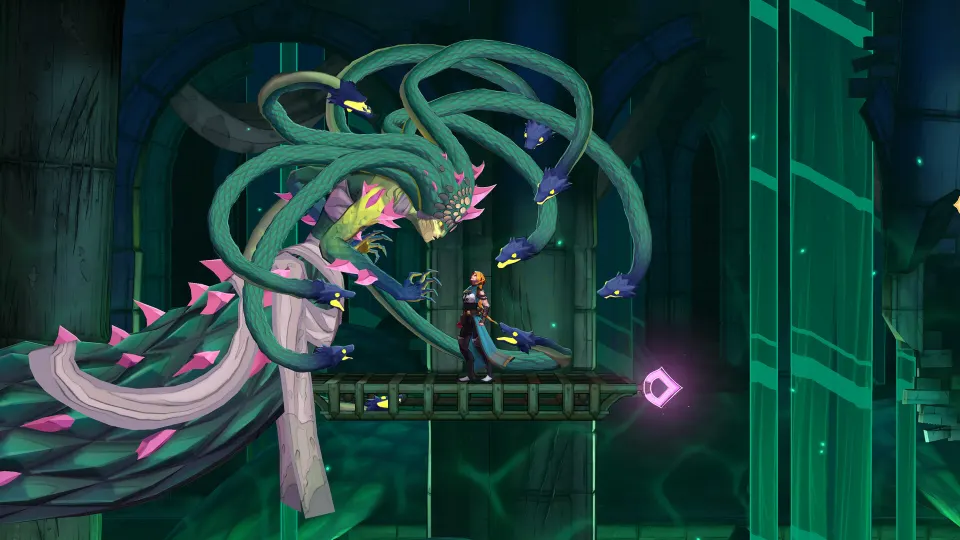
Download the Castlevania: Belmont's Curse demo on PlayStation 5, Nintendo Switch, Xbox Series X|S, or PC through Steam, then launch it to play the opening chapter. You can carry your progress into the full game by keeping your demo save and playing on the same platform with the same account.
How to download and start the demo
The demo is available now. Konami's official demo page confirms that it covers the game's opening chapter and supports all four platforms listed below.
To get started:
- Sign in with the account you intend to use for the full game, especially if you want to continue from your demo progress.
- Open your platform's storefront and search for Castlevania: Belmont's Curse.
- Select the demo download. Xbox players can also use the Castlevania: Belmont's Curse Demo listing, which lists it as free.
- Check your available storage, install the demo, and launch it from your library.
The demo offers a preview of the beginning of the adventure. Konami cautions that some features and content are restricted, so full-game walkthroughs may describe areas or options you cannot access in the demo.
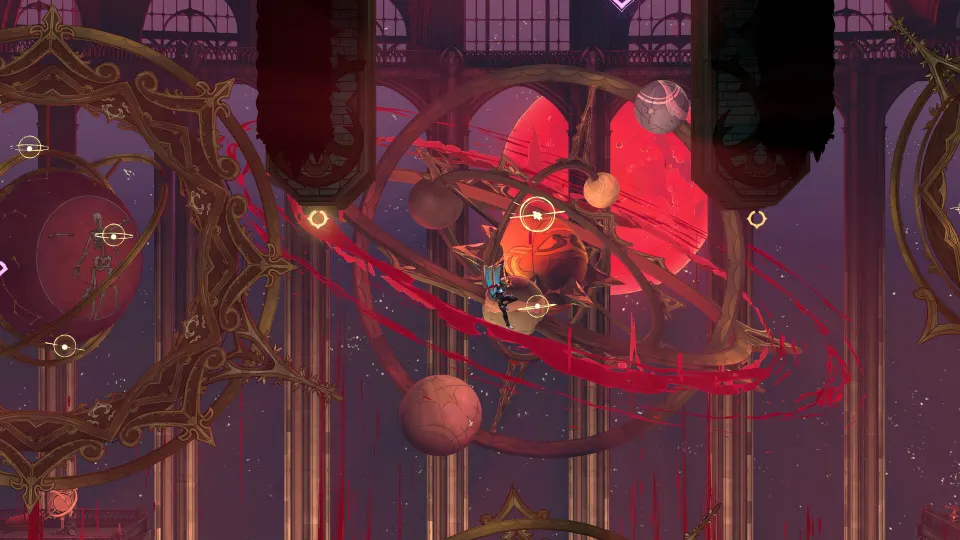
Supported platforms and storage requirements
Konami's minimum storage figures match those reported in AOL's demo announcement. Use these figures to check space before downloading.
| Platform | Storefront to search | Minimum storage |
|---|---|---|
| PlayStation 5 | PlayStation Store | 6 GB |
| Nintendo Switch | Nintendo eShop | 3 GB |
| Xbox Series X/S | Xbox Store | 5 GB |
| PC | Steam | 4 GB |
Konami lists a frame rate of 60 fps for the PS5, Xbox Series X|S, and Steam demos, and 30 fps for Nintendo Switch. The Steam storage requirement is not a complete PC specification, so check the demo's Steam listing for hardware requirements before installing.
There is an important distinction on Xbox: the store page displays an Xbox Play Anywhere badge, but its description explicitly says the demo is available only on Xbox Series X|S. That same description lists PC support for the full game. For the PC demo, use Steam; the Xbox badge should not be treated as confirmation that its demo runs on PC.
How to keep your progress for the full game
Choose your demo platform with your eventual purchase in mind. Konami requires the demo and full game to use both the same platform and the same account for save transfer. Playing the demo on Steam and buying the full game on PS5 would fall outside those requirements.
Keep the demo's saved data after finishing. Konami states that the save must remain available for progress to transfer, so avoid deleting it when clearing storage.
Before transferring your progress, update the full game to its latest version. Using the correct account, retaining the save, and updating the full game are the key requirements Konami identifies for continuing your adventure.